

Maximizing Features
The everyday features that save your office and your technicians time.
Get more from Blu Star every day
Most of Blu Star's value is in the everyday: minutes saved on every order, invoice and phone call, by every person, every day. This guide covers the features worth knowing well.
Start with Maxwell. It's built into Blu Star at no extra cost and answers your team's questions from your own documents, so "how do we…?" stops interrupting your best people.

In the office
Faster invoices, payments, scheduling and statements, so a lean office keeps up with a growing company.
- Billing that fits how you sell: autopay by card or ACH, prepays, payment plans, and billing frequency that doesn't have to match service frequency.
- Payments that post themselves: collected in the field or through the customer portal, without re-keying.
- Two merchant services: use Authorize.net and WorldPay side by side and let them compete for lower rates.
- Scheduling: drag and drop on the Planner Map, with Best Fit and Quick Schedule to place new work.
- eSign agreements: send them and get them back signed, without paper.
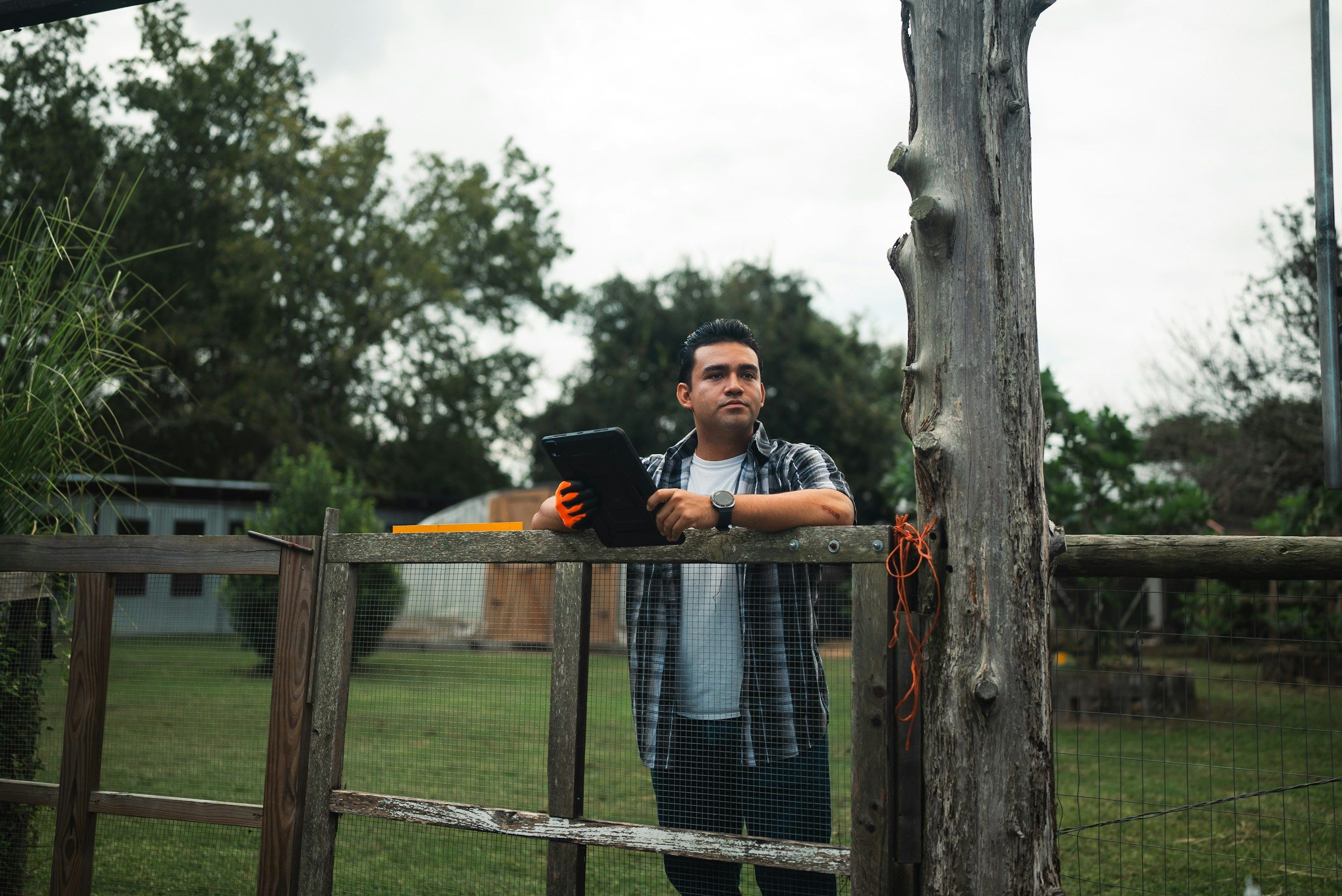
In the field
Blu Star Mobile is built so technicians spend their time on service, not on the app.
- Works offline and syncs in under ten seconds once the signal is back.
- Recent materials, preset notes, and barcode scanning by Bluetooth scanner or camera.
- Hands-free scanning that tells the technician where the next station is.
- Speech-to-text notes, unlimited labelled photos, receipts and signatures.
- The weather recorded on every order, automatically.
- "On My Way" texts with an ETA and map, and review requests to happy customers.
Keeping customers in the loop
Customer portal
Customers see their service history and invoices, pay online, and keep their own payment profiles up to date.
Request system
Documented requests between customers, office and field, with responses that give you accountability and a way to escalate.
Virtual logbook
Service records, conditions and documents for each site, on the customer portal, the tech portal and the web.
Email, text and automation
Email templates and communication automation, so the routine messages send themselves.
Numbers worth watching
Blu Star's reports and dashboards put these in front of you. Track them every month, and the trend tells you where to look.
First-time fix rate
Aim above 95%. Every callback is a second trip you don't get paid for.
Revenue per stop
Watch the trend: it shows whether pricing and routing are working together.
Technician utilization
Aim for more than 75% of paid time on billable work.
Customer retention
Aim above 90%. Adam's Pest Control keeps 94% of its customers each year.
Days sales outstanding
Aim for under 30 days between invoice and payment.
Schedule adherence
Aim for more than 90% of appointments kept as booked.
Ask for what you need
If Blu Star doesn't do something you need, tell us. Requested features arrive in monthly updates to the desktop software, and around four mobile updates a year mean improvements reach your technicians quickly.
For the numbers themselves, Compass puts them in your inbox each morning and live in Blu Star as the day happens.
It's part of being your Tru Partner™: we build Blu Star with the companies that use it.
Keep reading



Questions about Maximizing Features? Reach out to us.